HMI
Products
Industry Knowledge
Posted on:
June 11, 2026How to choose an industrial HMI: the criteria that actually matter

7 minute read
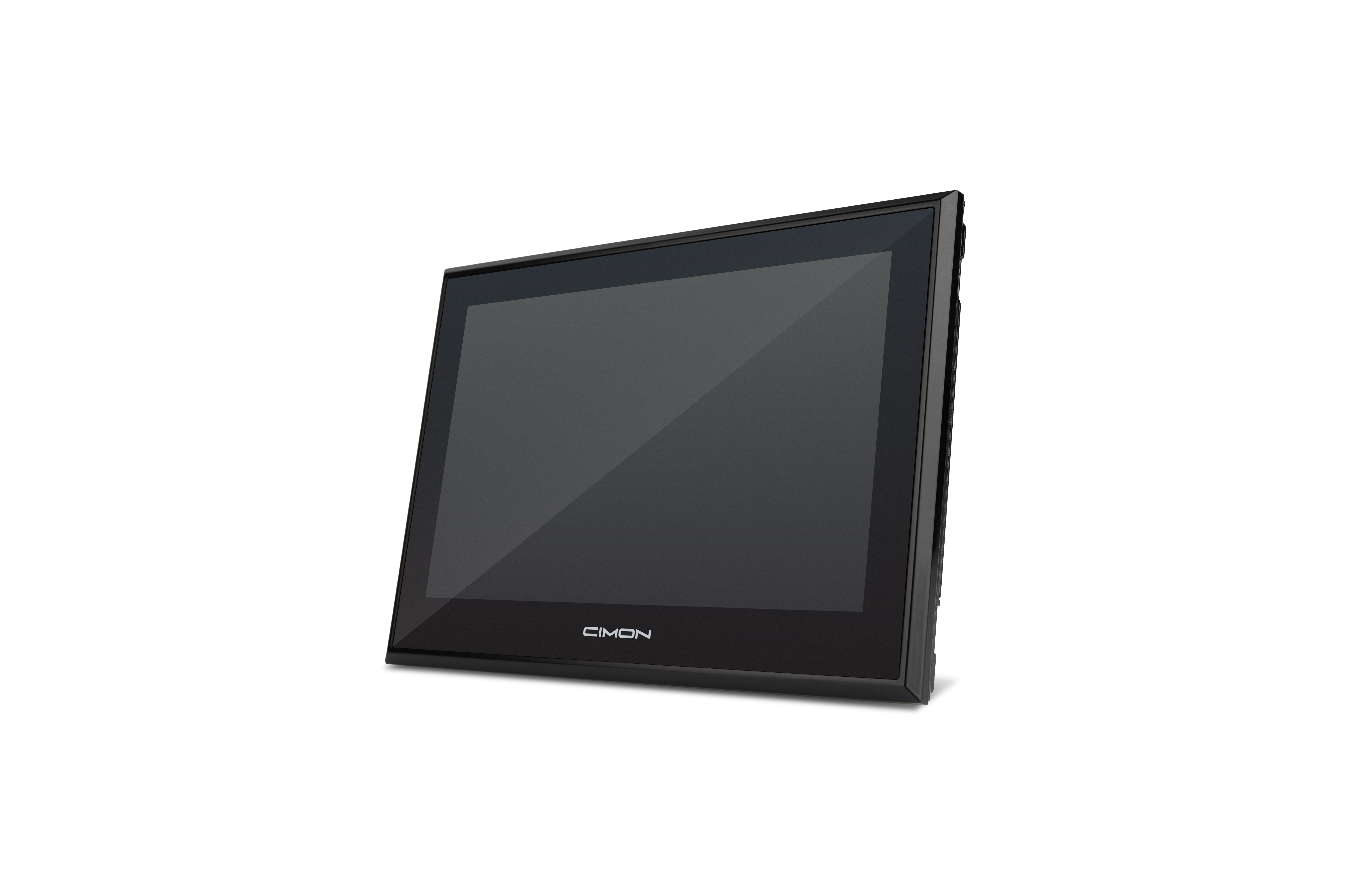
An HMI looks like a simple purchase. It is a screen that talks to a PLC, and most of them do that. The trouble is that the differences that matter rarely show up in the headline spec. They surface later: a display you cannot read in direct sun, or a replacement on a sixteen-week lead time while the line sits down waiting.
This is a practical run through the criteria that decide whether an HMI is right for a job, ordered roughly the way the decision should go. Environment first and price last, because choosing on price before the function is settled is how plants end up paying more over the life of the system.
Start with the environment
The operating environment narrows the field faster than anything else, so it belongs first. A panel that is fine in a control room can fail in a washdown bay or near a furnace.
The ingress rating is the first number to check, and it has to match where the unit actually mounts. Read the rating as front-of-panel versus whole enclosure, since many units are well sealed at the bezel and less so behind.
| Rating | Where it applies |
|---|---|
| IP65 | The general case for a factory floor, sealed against dust and low-pressure water (front of panel). |
| IP66 / IP67 | Washdown areas, typically in food and beverage. |
| IP69K | Dairy, beverage, and meat processing, where lines are cleaned with high pressure and steam. |
If the area is classified, the certifications are not negotiable. Hazardous locations need hardware rated for the class and division, Class I Division 2 being the common one in North America, or the ATEX and IECEx equivalents elsewhere. UL, CE, NEMA, and RoHS round out the list depending on where the unit ships and installs.
Two more environmental factors get overlooked until they cause a failure. Conformal coating on the internal boards protects against moisture, dust, salt, and corrosive or chemical atmospheres, which is why it shows up in water treatment, marine, and some process applications. UV exposure is the other one. For outdoor or direct-sun installs, look for UV-stable materials and a high-brightness screen so the display and the bezel do not degrade or wash out over time. Neither is needed for a clean indoor cabinet, but both are cheap insurance when the environment calls for them.
Match the display to how it gets used
Size follows viewing distance and how much the operator has to see at once. The constraint is usually the panel cutout, so measure the existing opening first if this is a retrofit.
| Size | Fits |
|---|---|
| 4–5 in | A simple start and stop with a few setpoints. |
| 7–10 in | A machine with alarms, trends, and several screens. |
| 12–15 in + | Line or section overviews. |
Brightness is where daylight kills cheap panels, and it is measured in nits. A panel that looks fine on the bench can be unreadable in direct sun.
Touch technology is a real decision, not a detail. Match the touch to how the operator actually works, not to what looks modern.
Resistive
Responds to pressure
- Works with gloves
- Ignores water and grease on the surface
- Shrugs off electrical noise, which is why it persists on plant floors
- Single touch, and a softer surface that can scratch
Projected capacitive
Responds to capacitance
- Sharper image
- Multi-touch and gestures
- Generally wants a bare finger or a thin glove
- Can be fussier with surface contamination
Confirm it talks to your control system
The whole point of an HMI is communication, so driver and protocol support deserves more scrutiny than it usually gets.
Confirm the HMI talks to the specific PLC models on the floor, not just the brand. A driver list that names a vendor is not the same as one that supports the exact processor and firmware you run, so check the list before you commit.
Breadth matters even in a single-vendor shop, because most plants are mixed in practice and the next project may not match the last one. An HMI that supports a wide range of third-party PLCs and the common open protocols (Modbus RTU and TCP, EtherNet/IP, and the rest) keeps your options open.
This is the quiet form of lock-in worth naming: if a panel only talks cleanly to its own maker’s controllers, you have tied your future hardware choices to one vendor without deciding to.
Then check the physical ports against what you are actually connecting.
| Port | Use it for | |
|---|---|---|
| Ethernet | The default now. | |
| RS-232 | Point to point and short, under about 15 meters. Fine for a single nearby device. | |
| RS-485 | Runs much further and supports many devices on one bus, which is what you want for a multidrop layout. | |
| USB | Transfers and peripherals. | |
| Wi-Fi | Where a cable is impractical. |
Size the performance to the project
An underpowered HMI does not announce itself in the spec. It shows up as lag when the screen count grows, the trends get denser, and the scripts get longer. Processor and memory should fit the work the panel actually does, with headroom for the project to grow, because projects always grow. Speccing this tight to save a little up front is the classic false economy. The panel works on day one and struggles a year later when the application has filled out.
Look hard at the software and what it costs to own
The hardware is half the purchase. The development software and its licensing model are the other half, and they vary far more than the panels do.
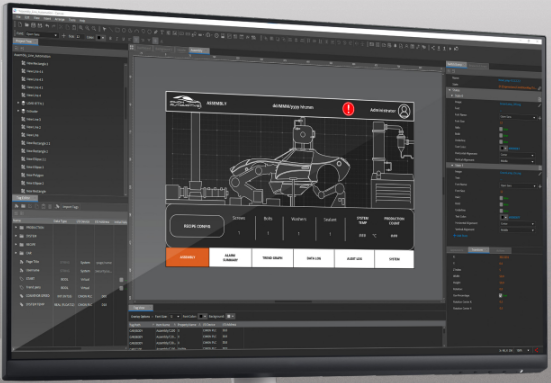
Start with what the development environment can do, because this is where your team spends its time. The basics that separate a pleasant tool from a painful one are drag-and-drop editing, a library of predefined objects for the things you place constantly, and easy duplication so you are not rebuilding the same screen by hand. Strong import and export matters too. Importing an existing PLC tag database directly, rather than retyping hundreds of tags, removes a whole category of transcription errors and saves real time on a retrofit. Alarms and event handling, data logging, recipes, trends, scripting, and email or message alerts are common requirements, so confirm the ones you need are present rather than assuming.
Worth singling out
A built-in simulation or offline test mode. Being able to run a project on your PC and watch it behave before the hardware is on the bench lets you catch logic and layout problems early, iterate faster, and validate a proof of concept without tying up equipment. It is the difference between finding a problem at your desk and finding it during commissioning.
The ability to script in a common language helps for the same reason, since a new engineer can be productive without learning a proprietary syntax first.
Then look at the licensing model, because this is where total cost hides. Some vendors include the software with the hardware. Some charge per seat. Some run an activation server and an annual renewal that bills whether the line ran or not. None of these is automatically wrong, but they produce very different costs over the life of a system, and the number on the quote tells you almost nothing about them. Work out the lifetime cost before you compare unit prices. It is also worth weighing how tied the software is to one brand, since proprietary tools that only program one maker’s hardware limit your portability on long-lived installations where the team and the fleet both change.
Plan for data and remote access
For data, confirm what the panel can log, where it logs to, and whether it can write to an external database. If you are moving toward plant-wide data or IIoT, OPC UA and MQTT support and the ability to act as an edge gateway matter. If you only need local trends today, do not overbuy, but know what the upgrade path looks like.
Regulated industries
In food and beverage, pharmaceutical, medical device, and biotech, the records question goes further. FDA 21 CFR Part 11 governs electronic records and signatures, and an HMI in that environment needs to provide unique user authentication, electronic signatures tied to the person and the action, and a tamper-resistant, time-stamped audit trail that records who did what and when.
One honest point worth understanding: no product is Part 11 compliant out of the box. Compliance is achieved by the integrator implementing these features and validating the system. What you are checking for when you buy is whether the HMI is Part 11 capable, meaning it gives you the building blocks to get there.
For remote access, web or browser-based access has moved from a nice feature to a standard expectation, because it lets people monitor and troubleshoot from any device without installing proprietary client software, and without standing at the panel. That saves time and travel, and it is where the market is clearly heading.
The thing to pair it with is security. Role-based accounts and access levels, protection for an integrator’s intellectual property, and encryption on any connection that leaves the box are the basics.
Remote access without proper access control is a liability, not a feature.
Do not skip the things that bite you later
Two criteria get left off spec sheets and cause the most regret, so put them on the list deliberately.
The first is availability. Check real stock and lead time before you design a part in. A panel you cannot get is a production risk, not a purchasing inconvenience, and a long replacement lead time on a critical line is what turns a small failure into a long outage. This has gotten more attention lately for good reason. Tariff changes and component supply swings have made sourcing less predictable across the industry, so where a vendor stocks inventory and how they handle logistics is now a fair question to ask directly, not an afterthought.
The second is support and lifespan. Find out who actually answers when something breaks, how fast, and whether it costs extra. Then ask the two questions a senior engineer always asks about a system: how long before it is obsolete or unsupported, and who maintains it after the person who built it has moved on. The answers separate a panel that is cheap today from one that is cheap over ten years.
Where this leaves you
The right HMI fits the environment, talks to your control system, runs the application without strain, and stays supportable and available over the life of the line. Price matters, but it is the last filter, applied after the function is settled, not the first. An underspecced panel chosen on price almost always costs more in the end, in downtime, in rework, or in a replacement that arrives too late.